User Guide
How to Download
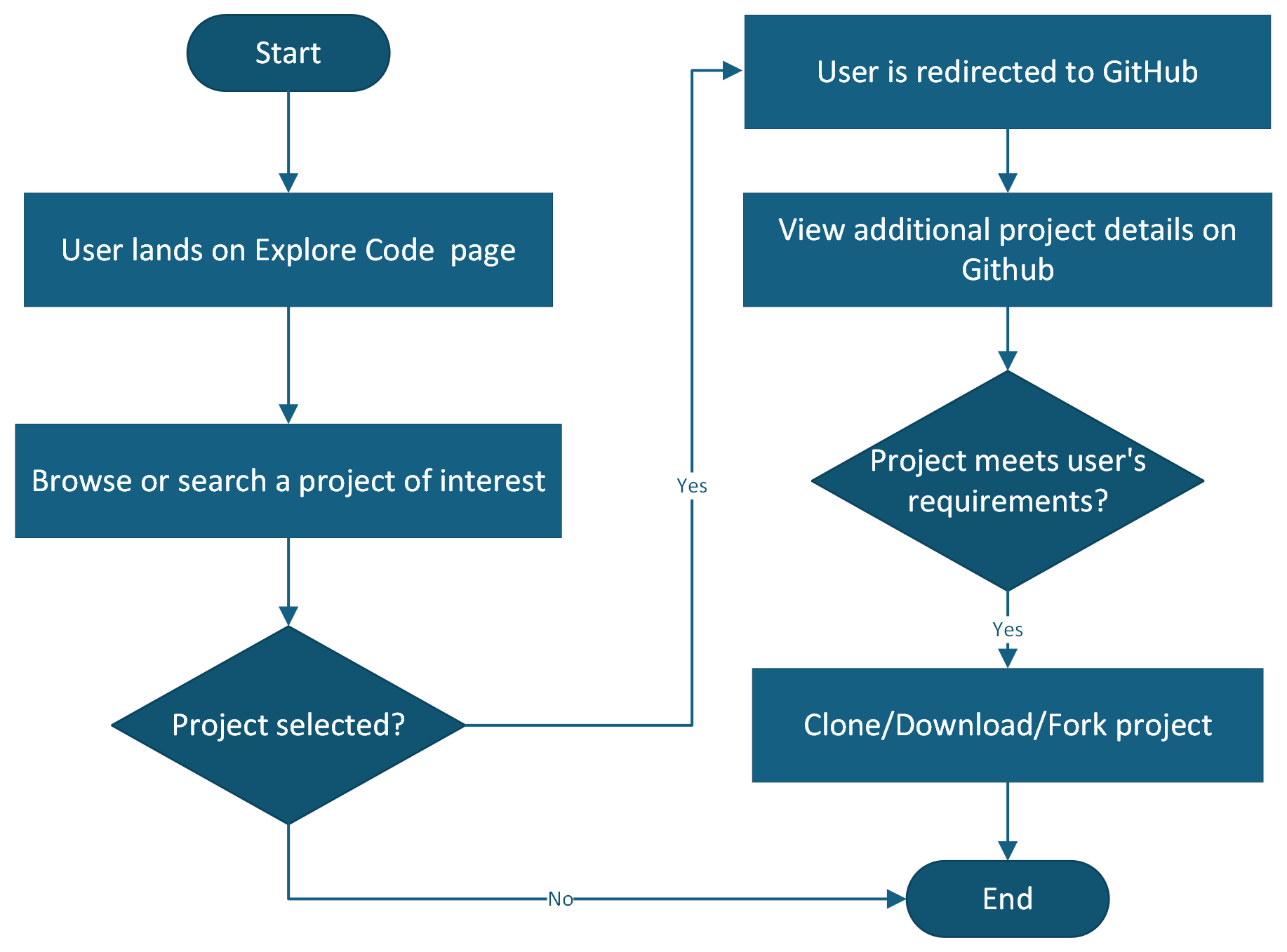
To use code and resources shared through the Open Source Portal, no login is needed! Simply browse or search the catalog, and dive into a shared project that interests you. All resources are publicly hosted at GitHub.
Portal User Workflow
How to Contribute
To contribute your department/agency project to the Open Source Portal, a technical contact should first become familiar with the following guidance:
GitHub
GitHub provides the developer community an open-source code hosting platform for version control and collaboration.
GitHub provides several guides to assist in creating a repository: Visit GitHub documentation (GitHub Docs) for more information about their platform.
Enterprise Administrator designation in your agency’s GitHub:
- You must designate a GitHub Enterprise Administrator (primary and alternate) to own and maintain their GitHub source code repository
- Each GitHub Enterprise Administrator must maintain a departmental log-in credential (username, password)
- The Agency/state GitHub Enterprise Administrator has the ability to grant permissions to other GitHub users
Organizational and repository guidelines to improve use and findability of your code solutions:
Organization
- Name: Use the name of your organization after your Agency, Department, or Office to show clear ownership
- Description: Add a meaningful description of your organization and what solutions users can expect to find
Repository
- Name: Use short descriptive names to clearly denote the name of the solution repository
- About area:
- Add a clear and concise description about what your solution repository is and why its useful
- Be specific about what it is, and what it does
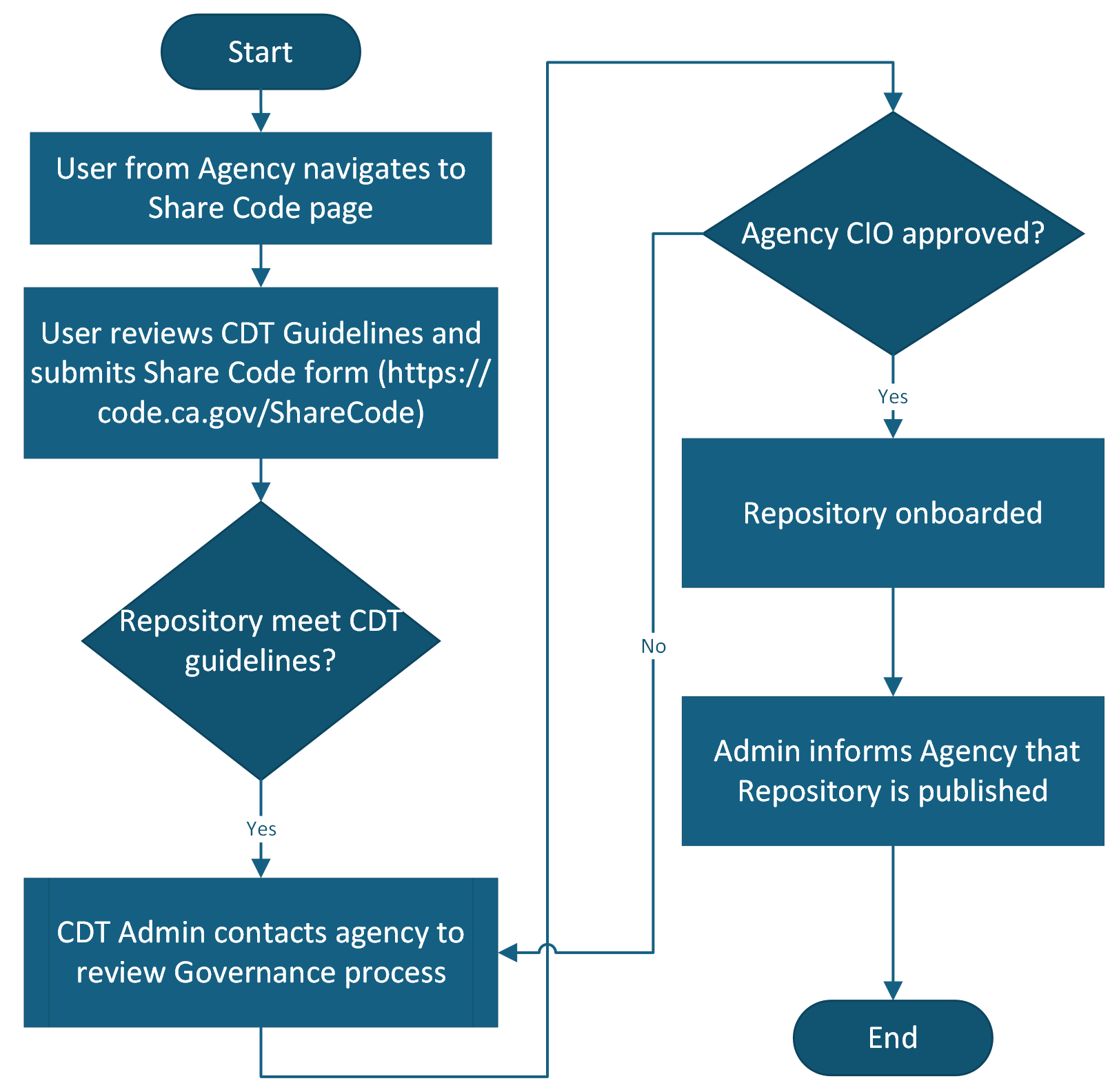
Next, the contact will fill out the form at Share Code. This will initiate contact with OSP administrators, and begin the dialog on preferences, such as whether there are certain public GitHub repositories the organization would prefer not to share in OSP.
Contributor Workflow